
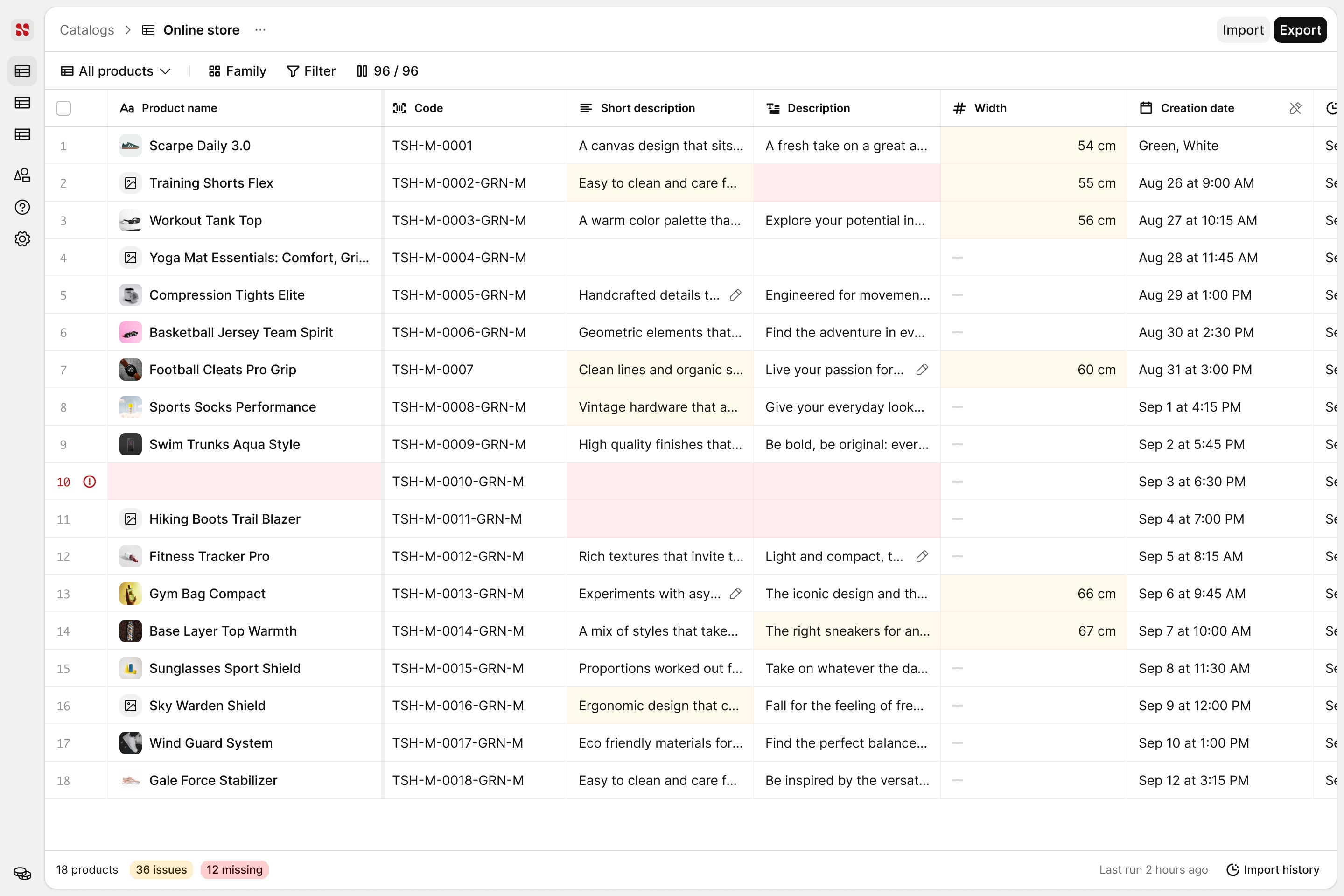
Views and export
Build the view once, export it as it is
A view is a job: the columns it needs, the families it covers, the filter that finds its rows. Save it under a name, duplicate it for the next channel, and export it as it is, in the column order you set.
- Named, duplicated, updated
- A view is yours to keep, rename, and hand to someone else.
- One view per channel
- The online store and the marketplace each get their own columns.
- The export is the view
- Same columns, same order, ready to send.

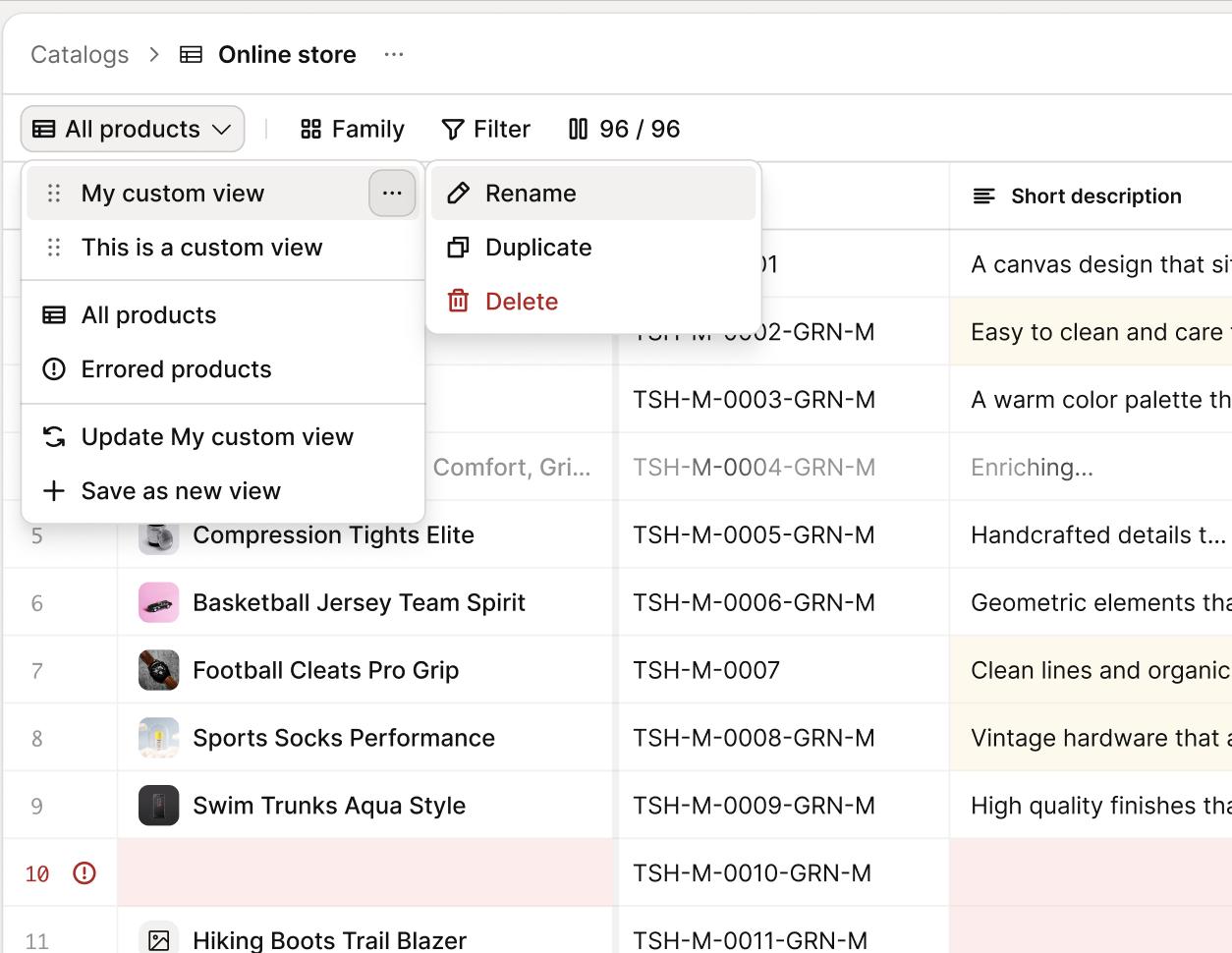
The columns
Every attribute you have, the few this job needs
The picker searches your attribute model, and the model is not flat: Size on sneakers and Size on apparel are two attributes, so they are two columns. Show the ones this job needs and hide the rest.
- Search instead of scrolling
- Type the attribute you are working on and it is on screen.
- Per family, not per catalog
- Different families, different attributes, different columns.
- Show only, or hide all
- One attribute across every product, or a clean screen to start from.

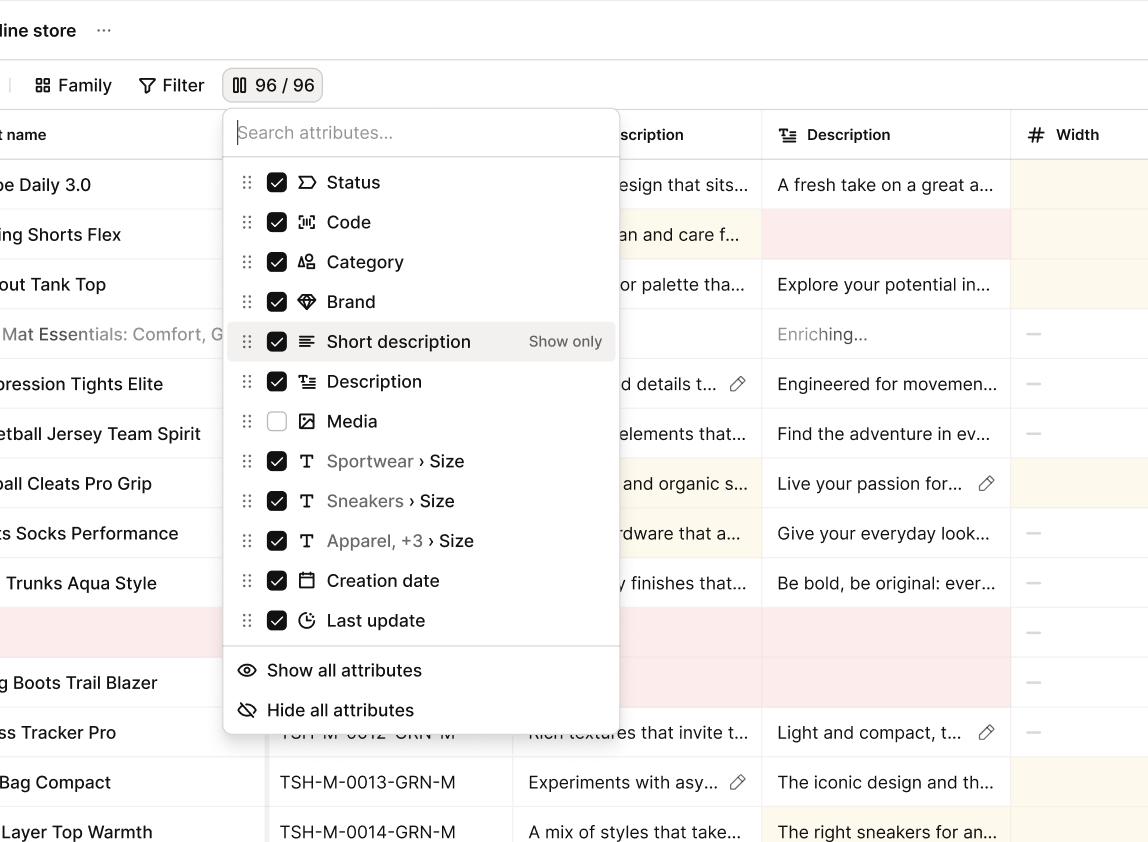
Review
Every problem is already marked
An issue can be a value two sources disagree on, or a description that does not sound like you. The panel names the rule it breaks, shows the rewrite in your tone, and lists what it read to decide. Accept it or keep what you had, then on to the next one.
- Your rules, checked
- The agent is scored against your tone of voice on every value it writes.
- The rewrite, ready
- The panel shows the sentence it would publish instead.
- What it read to decide
- The sources are on the panel, so you can check the call it made.

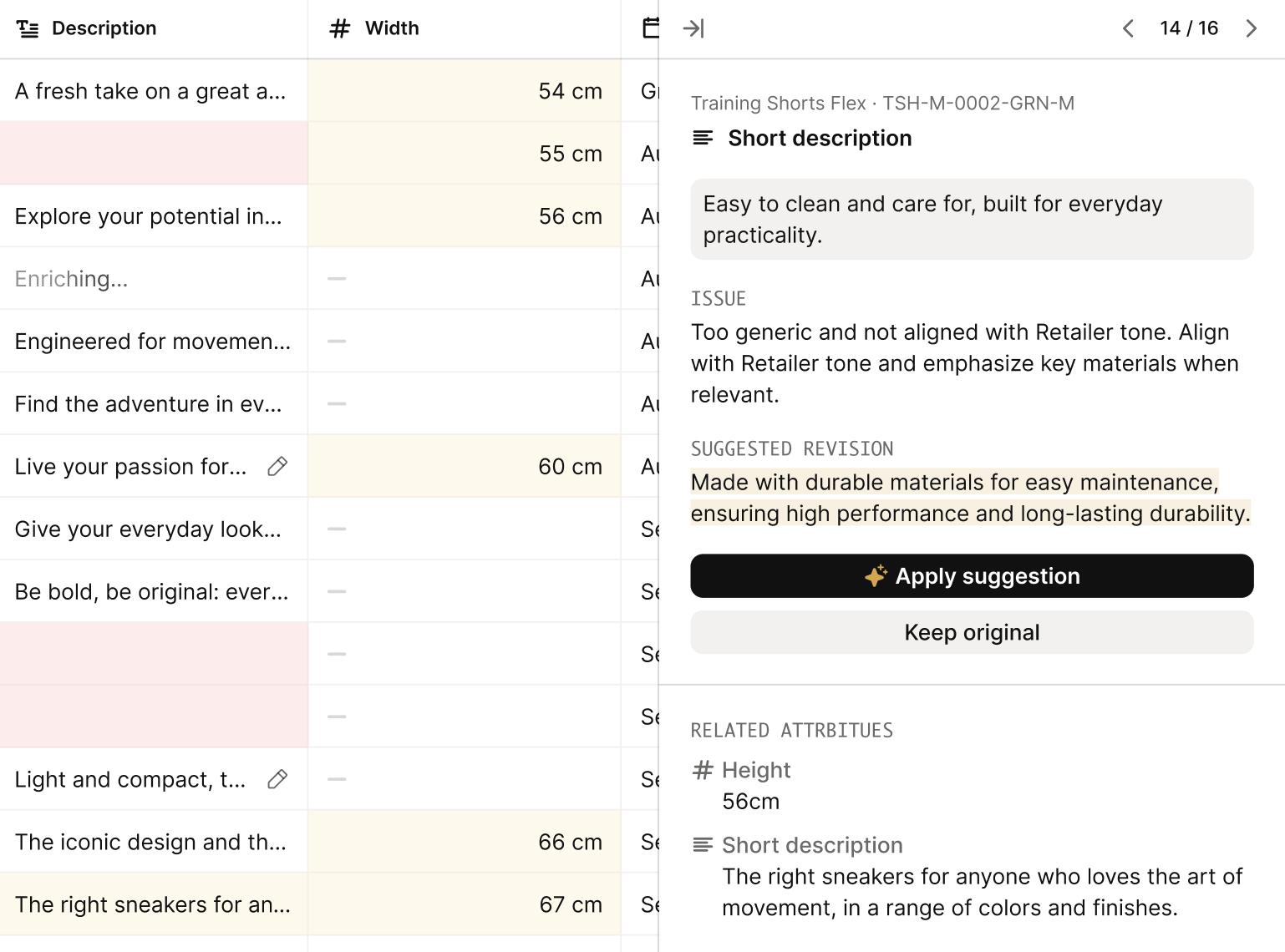
At catalog scale
A thousand rows in one gesture
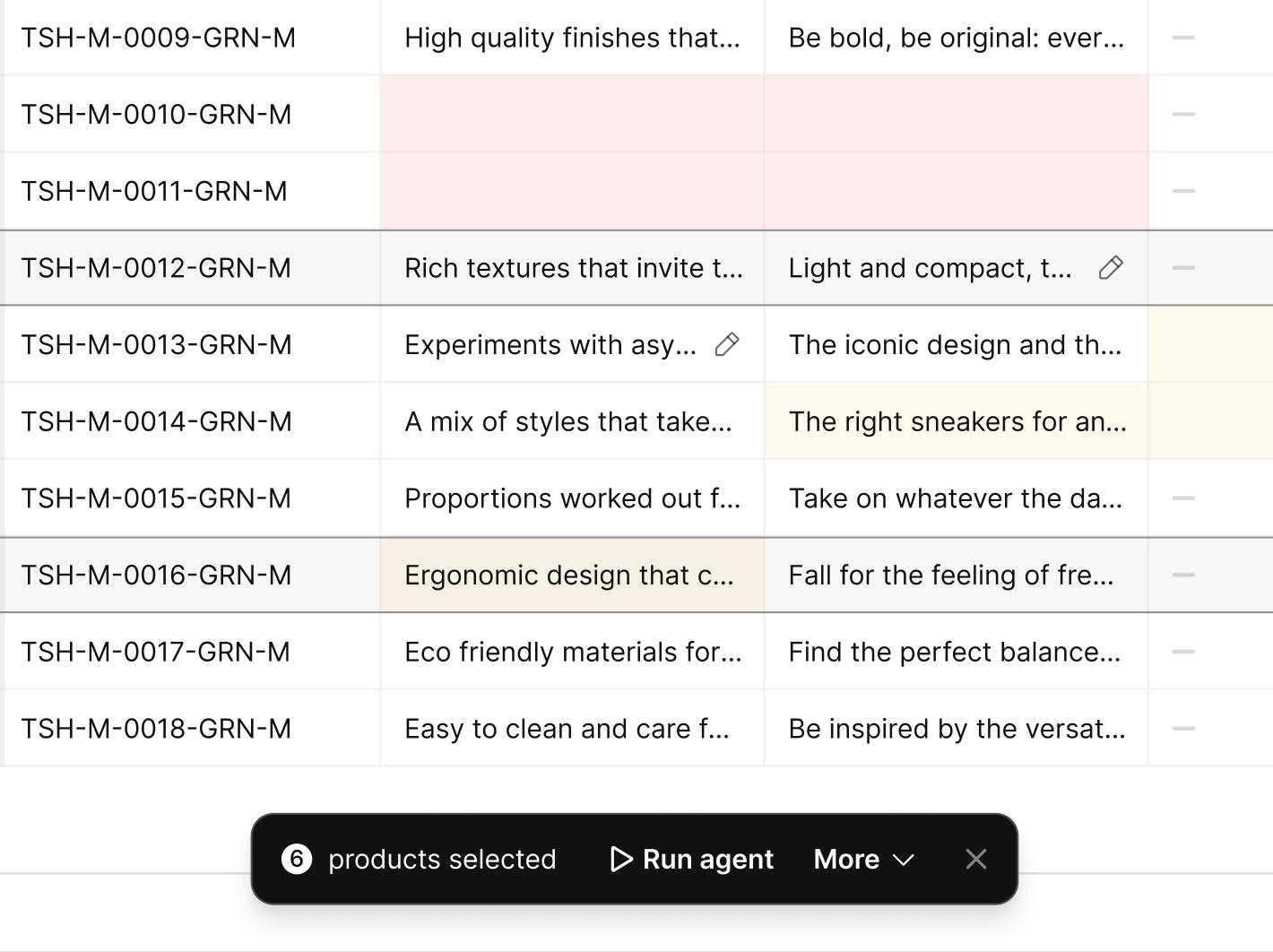
Filter to the products that share a problem, select them, and act on all of them at once: run an agent, move the status, tag them, build a parent from the variants. The cells are typed, so a choice list edits as a choice list.
- Filters that hold a condition
- Status, category, code, tag, date, combined and kept.
- Typed cells
- Text, number, boolean, single and multi select, rich text, images.
- Run an agent on the selection
- The grid is where the work starts, and where it comes back.

How it gets set up
Configured with you, then yours
Your attribute model, your families, the sources each attribute may read from, the threshold that decides what waits for a person. We set it up with you, and your team changes it from then on, without opening a ticket.
Questions